
Find your first useful answer.
Start in the terminal. Keep the source in plain Markdown. Open the same knowledge base for people, search, and agent workflows.
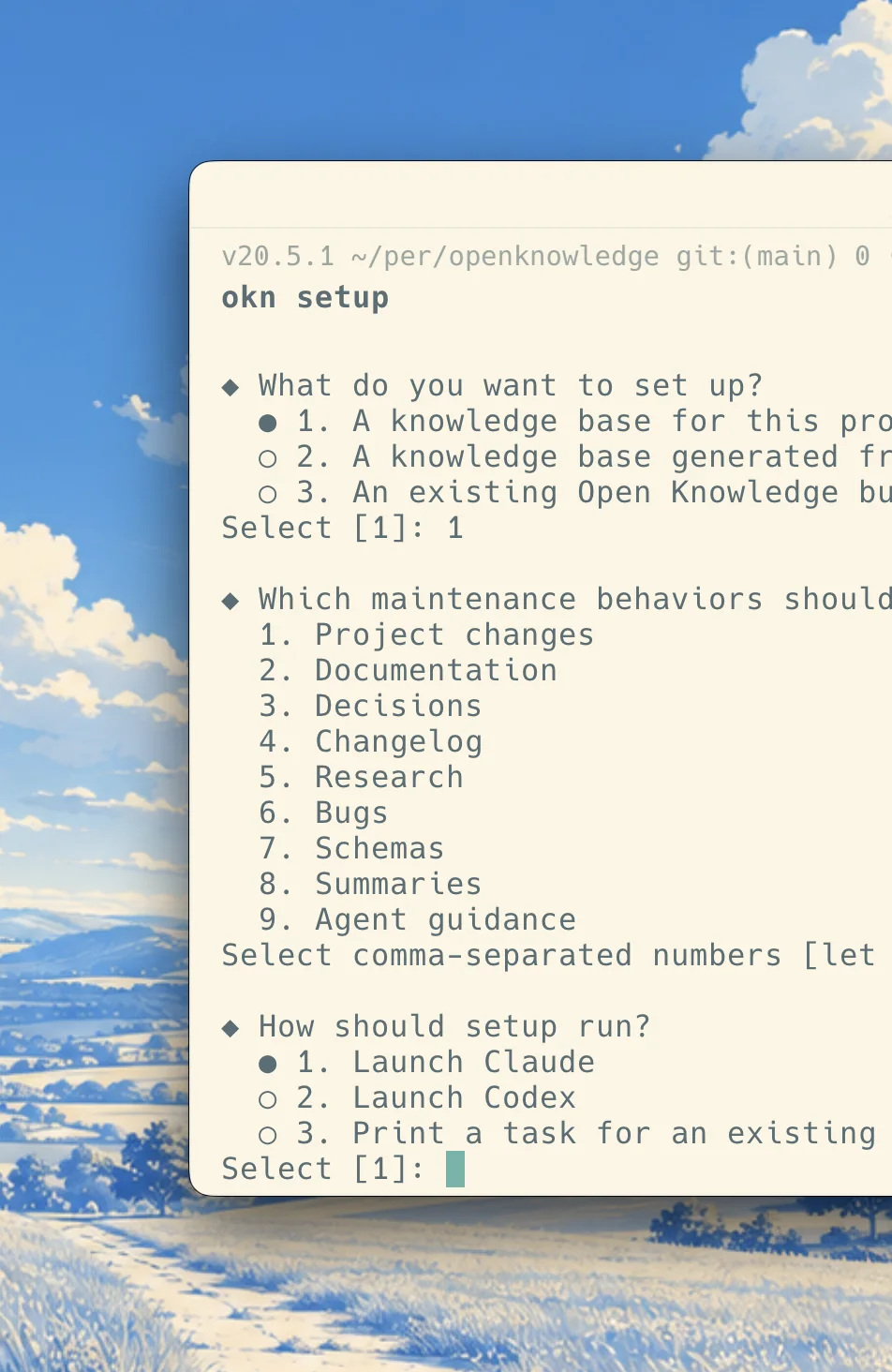
Install and set up the knowledge base.
Install the CLI. Run okn setup to select existing Markdown and review a managed copy or in-place adoption. If no Markdown exists, setup offers an agent task.
Open the knowledge base.
Run the local viewer. The viewer opens in your browser by default.
Read the viewer reference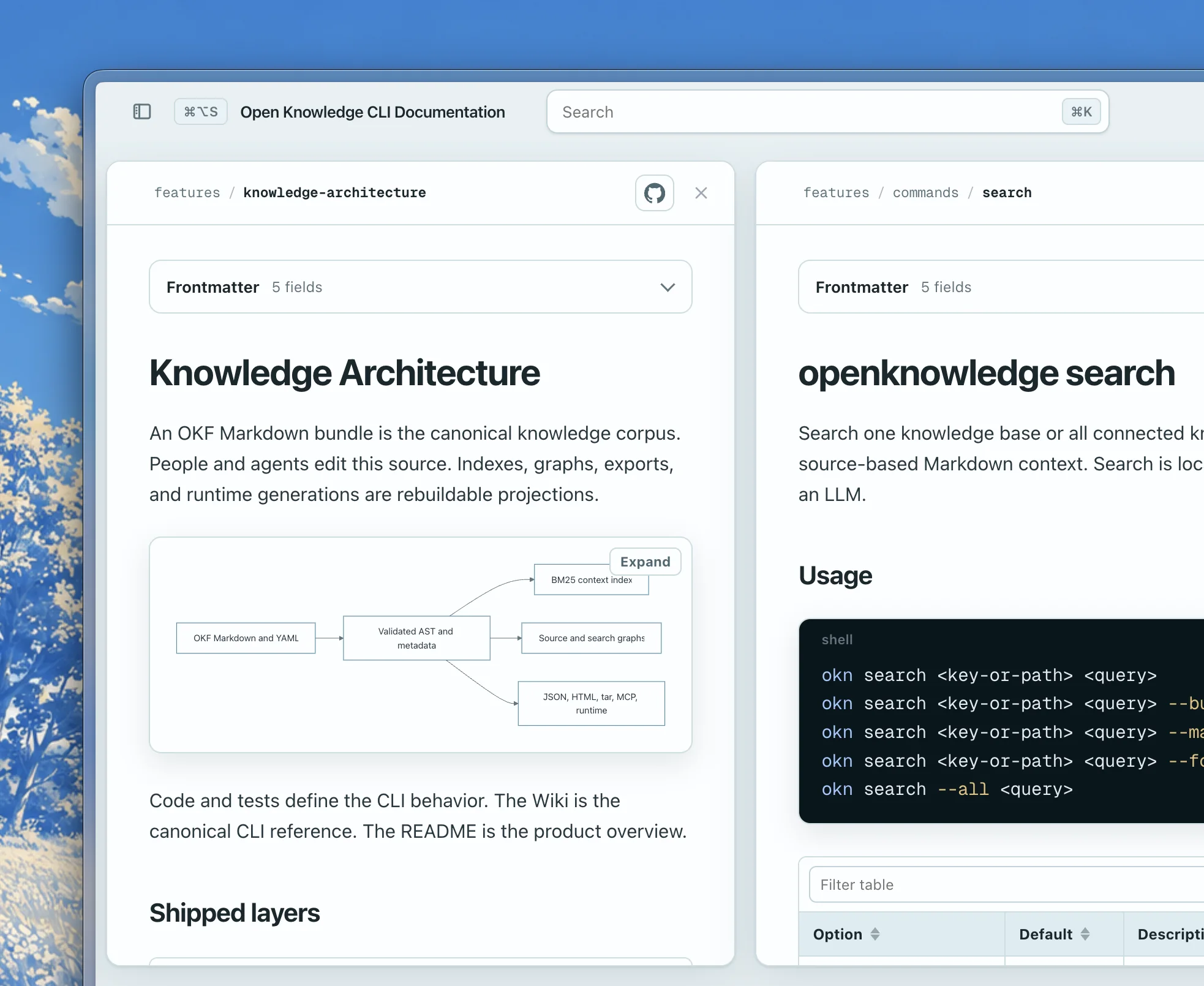
Search the knowledge base.
Search from the terminal. The command returns Markdown context from local files.
Read the search reference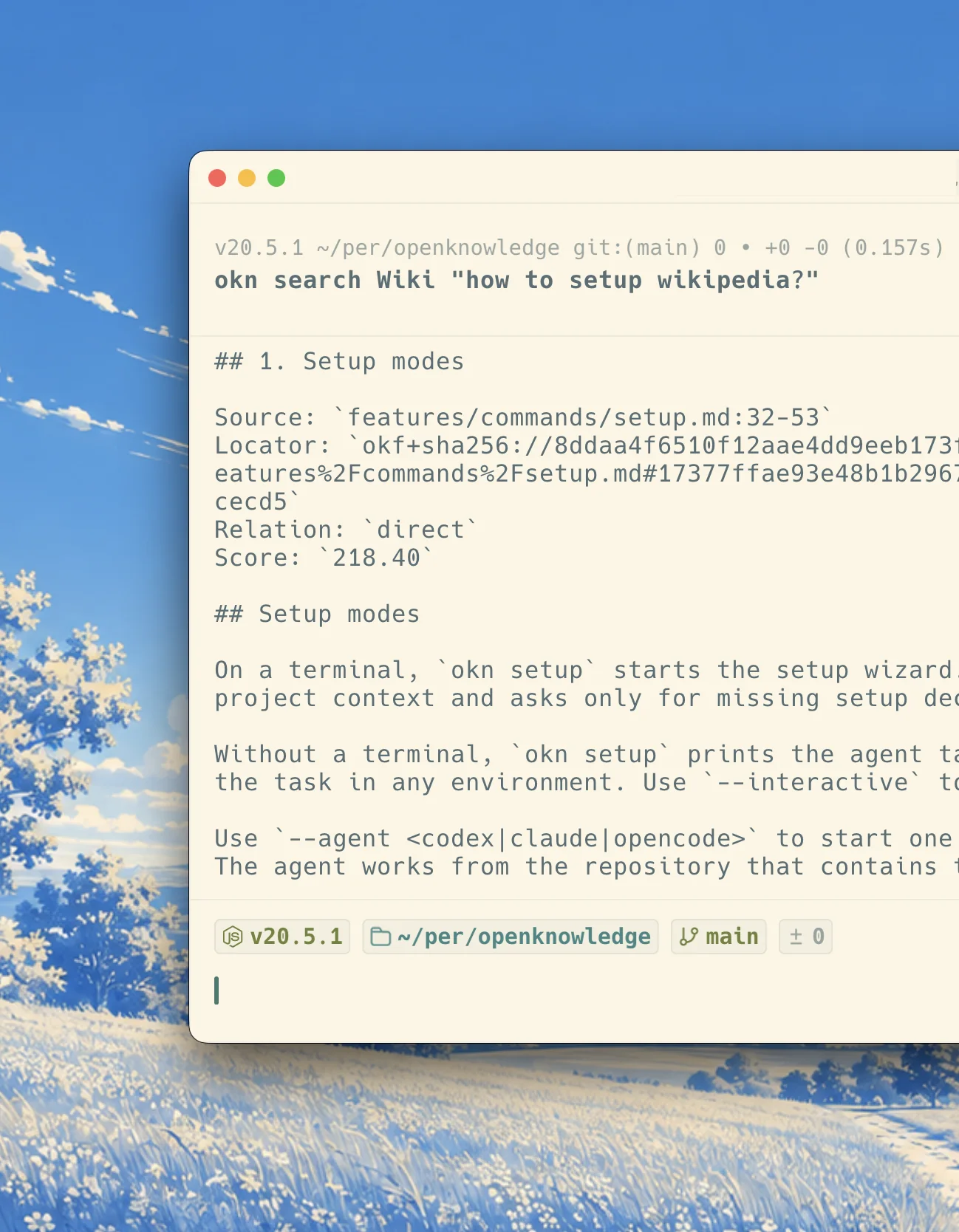
Check the knowledge base.
Check the knowledge base after each change and review anything that needs attention before people or agents depend on the content.
Read the check reference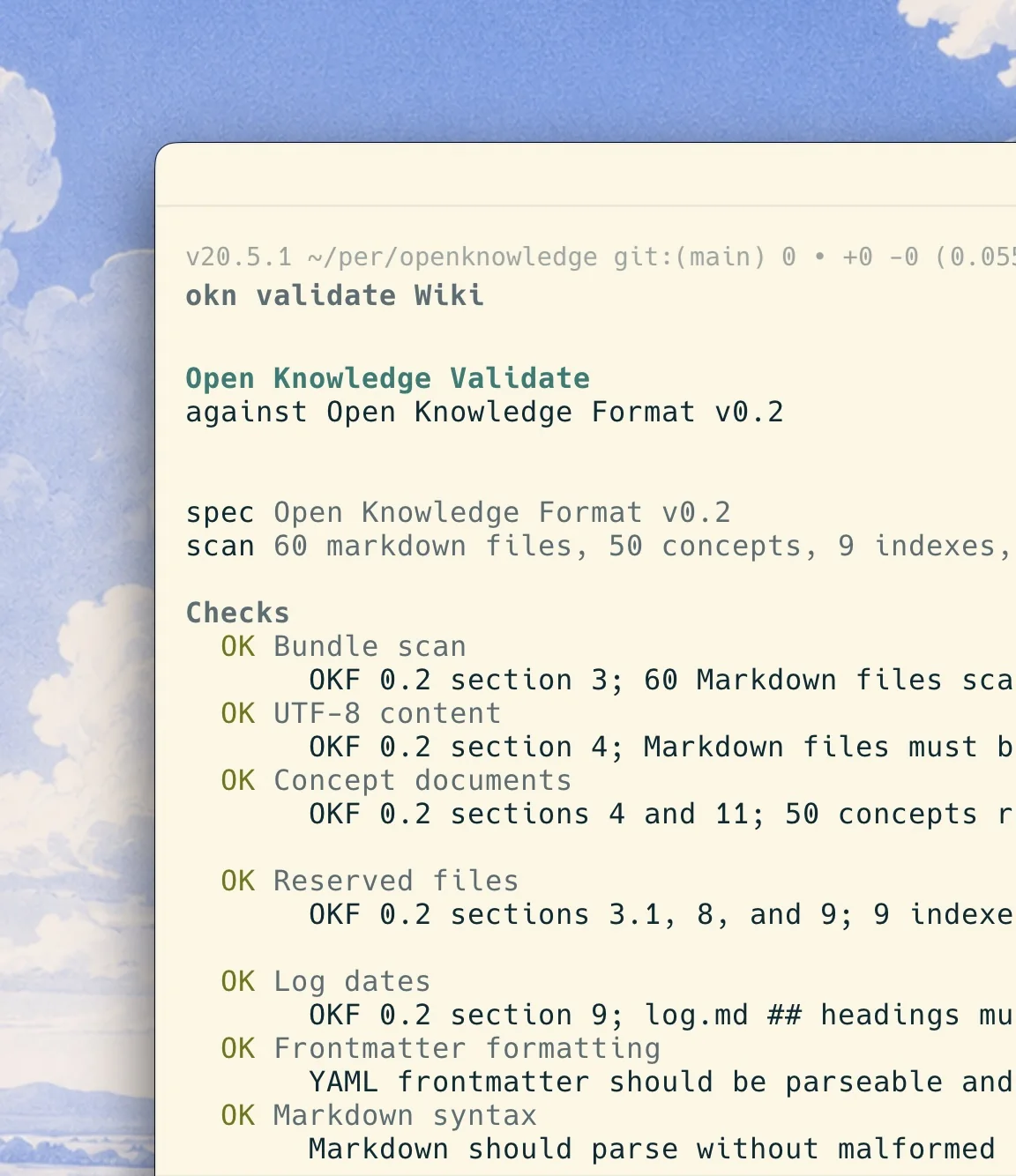
Start with one useful question.
Build only the context that people and agents need. Improve it as the work changes.